How to check which graphics card is installed on a Windows PC
Windows users can identify their GPU using built-in tools such as Task Manager, Device Manager and the DirectX Diagnostic Tool. Some laptops use both integrated and dedicated graphics, and GPU 0 in Task Manager is not necessarily the more powerful card.
Main event
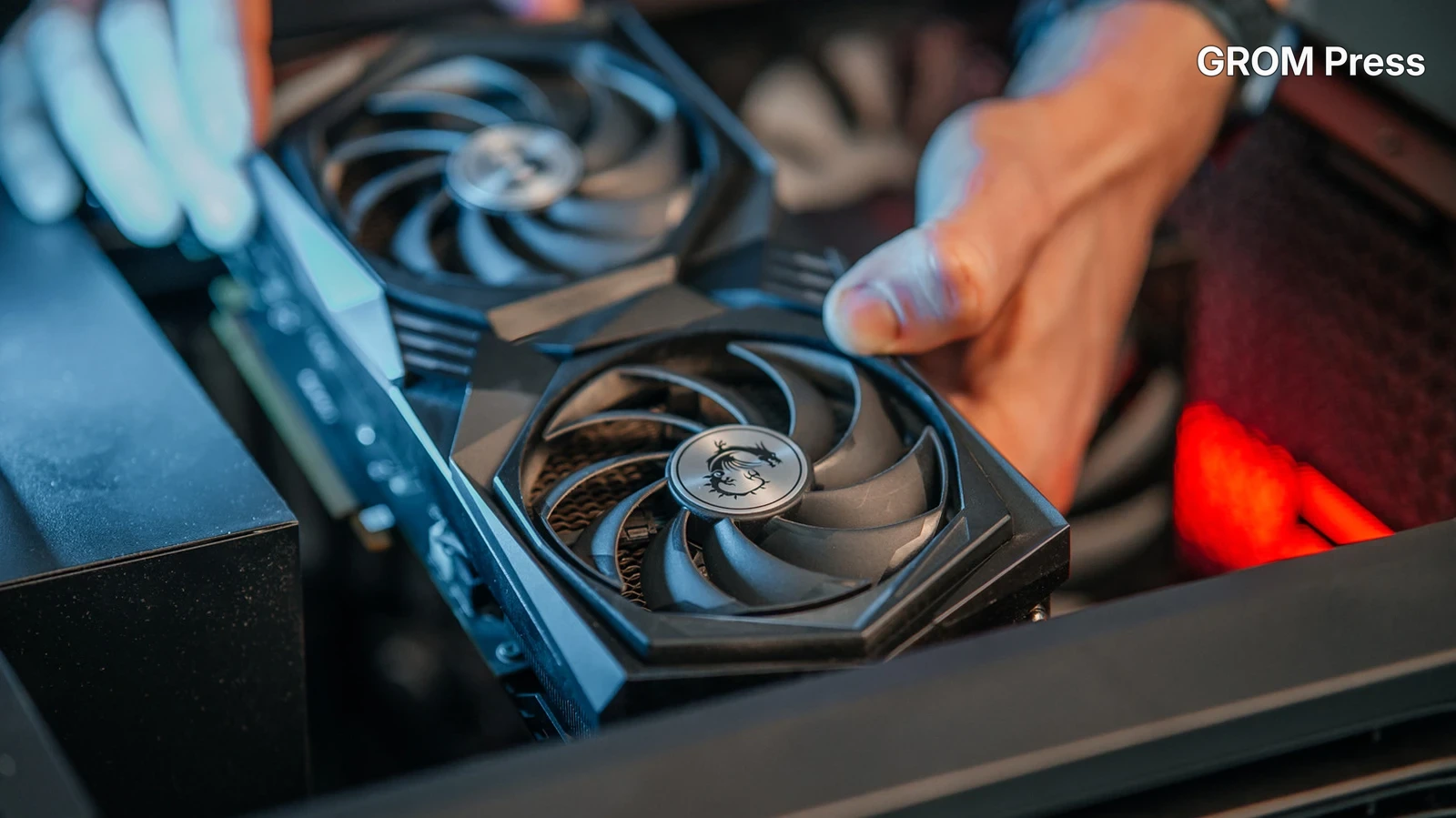
Windows provides several built-in ways to check which graphics processor is installed in a PC, without opening the case or installing extra software. The guide covers Task Manager, Device Manager and the DirectX Diagnostic Tool.
Details
Task Manager is described as the fastest method. Its Performance section shows the graphics card name, memory, driver information, current workload and, where supported, GPU temperature. It also lists dedicated and shared GPU memory. Dedicated memory usually means VRAM on a dedicated GPU, while shared memory is system RAM borrowed by the GPU. Some integrated GPUs reserve part of system RAM for graphics, which Windows may report as dedicated memory even though the integrated processor mainly relies on system RAM.
The guide warns that GPU numbering in Task Manager does not indicate performance. GPU 0 is not always the more powerful card or the one running games; Windows labels GPUs according to hardware location.
Device Manager can be opened by right-clicking the Start button and selecting Device Manager. Expanding Display adapters lists all graphics devices detected by Windows, making it possible to see whether the PC has both integrated and dedicated GPUs. Double-clicking a device and opening the Driver tab shows the installed driver version and date.
The DirectX Diagnostic Tool is launched by pressing Windows + R, typing dxdiag and pressing Enter. Its Display tab provides GPU and driver details, while the System tab shows the installed DirectX version.
If Device Manager shows Microsoft Basic Display Adapter instead of the actual graphics card name, Windows is using a generic display driver. This does not always indicate a hardware problem, but the guide suggests updating GPU drivers before deeper troubleshooting.
Context
Some laptops use integrated graphics for everyday tasks and a dedicated NVIDIA, AMD or Intel processor for heavier workloads. An Intel or AMD sticker on the system does not necessarily reveal the full graphics setup. Knowing the current GPU can help when confirming game requirements, troubleshooting performance or deciding whether an upgrade is worthwhile. The article mentions rising GPU prices and pressure on memory supplies from AI data centers as reasons to check current capability before spending money.
Last resort
Third-party apps such as HWiNFO can also track GPU temperatures, clock speeds and power readings, similar to checking CPU temperatures.
Source: GROM.PRESS